Mota2 Remake 新新魔塔2重制版
A downloadable game for Windows and macOS
About the Game
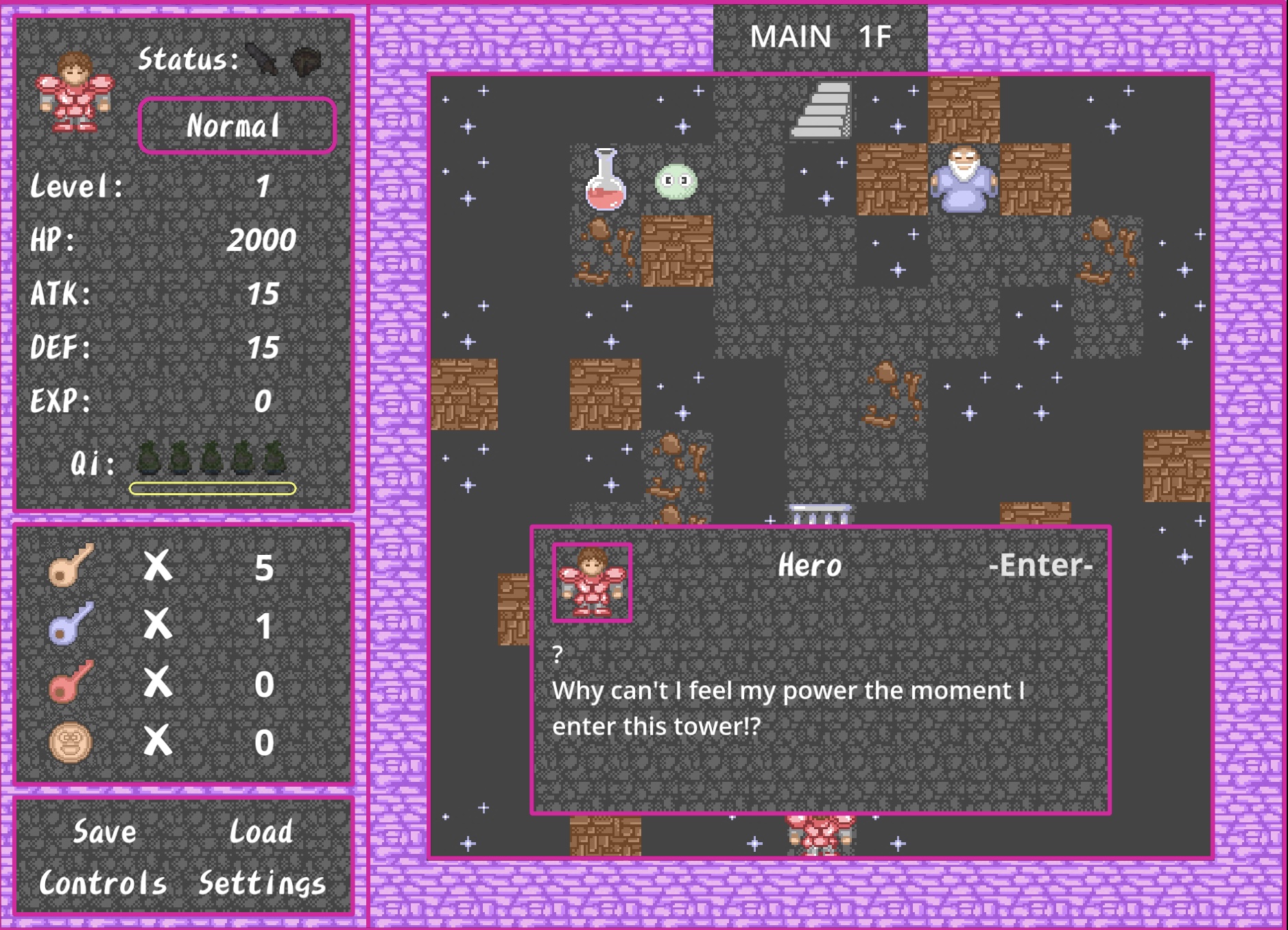
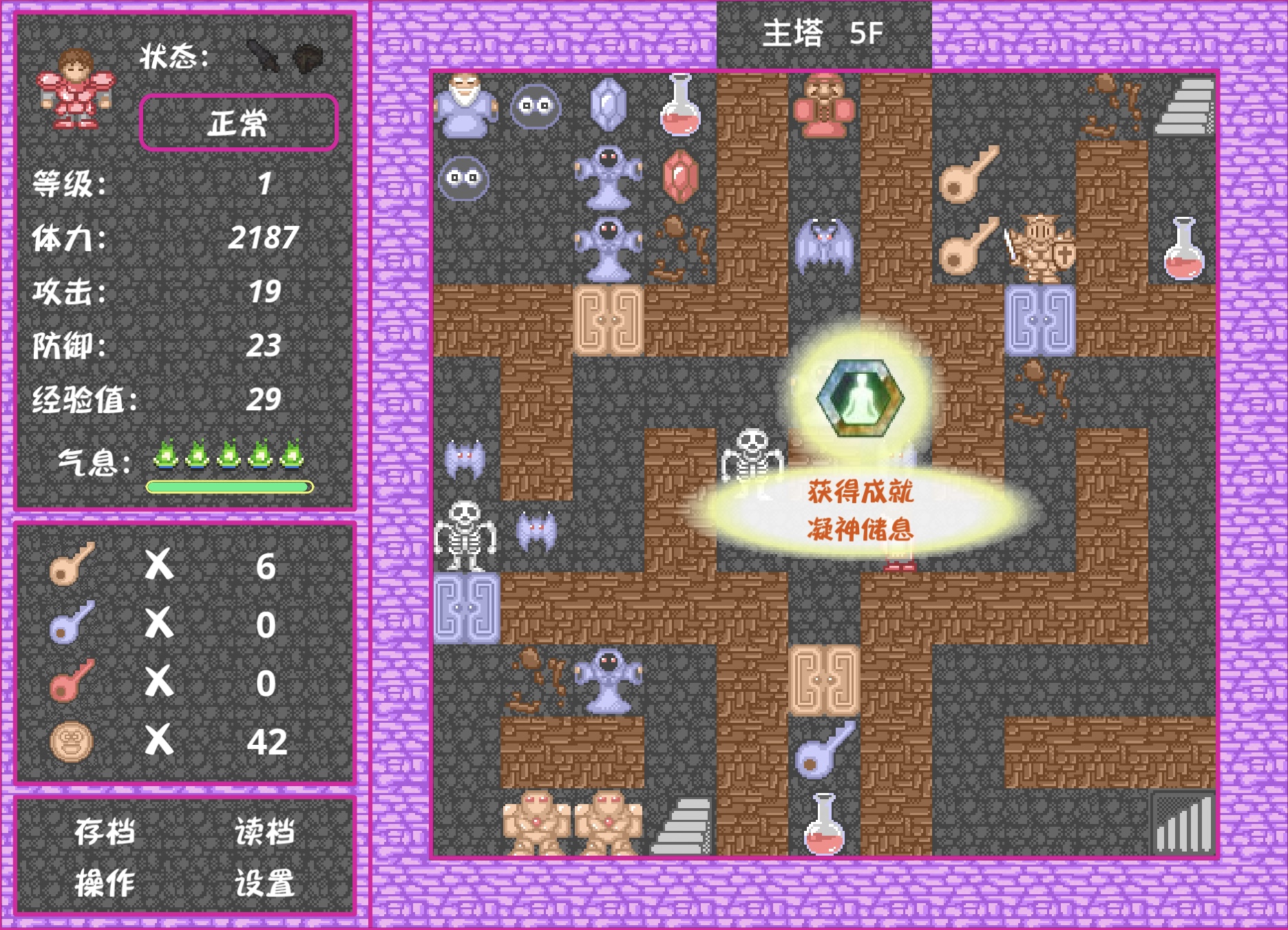
This is a remake of Xin Xin Mo Ta 2 (New New Magic Tower 2), developed using Godot 4. The original game was a Flash title created by cos105hk as the sequel to Xin Xin Mo Ta.
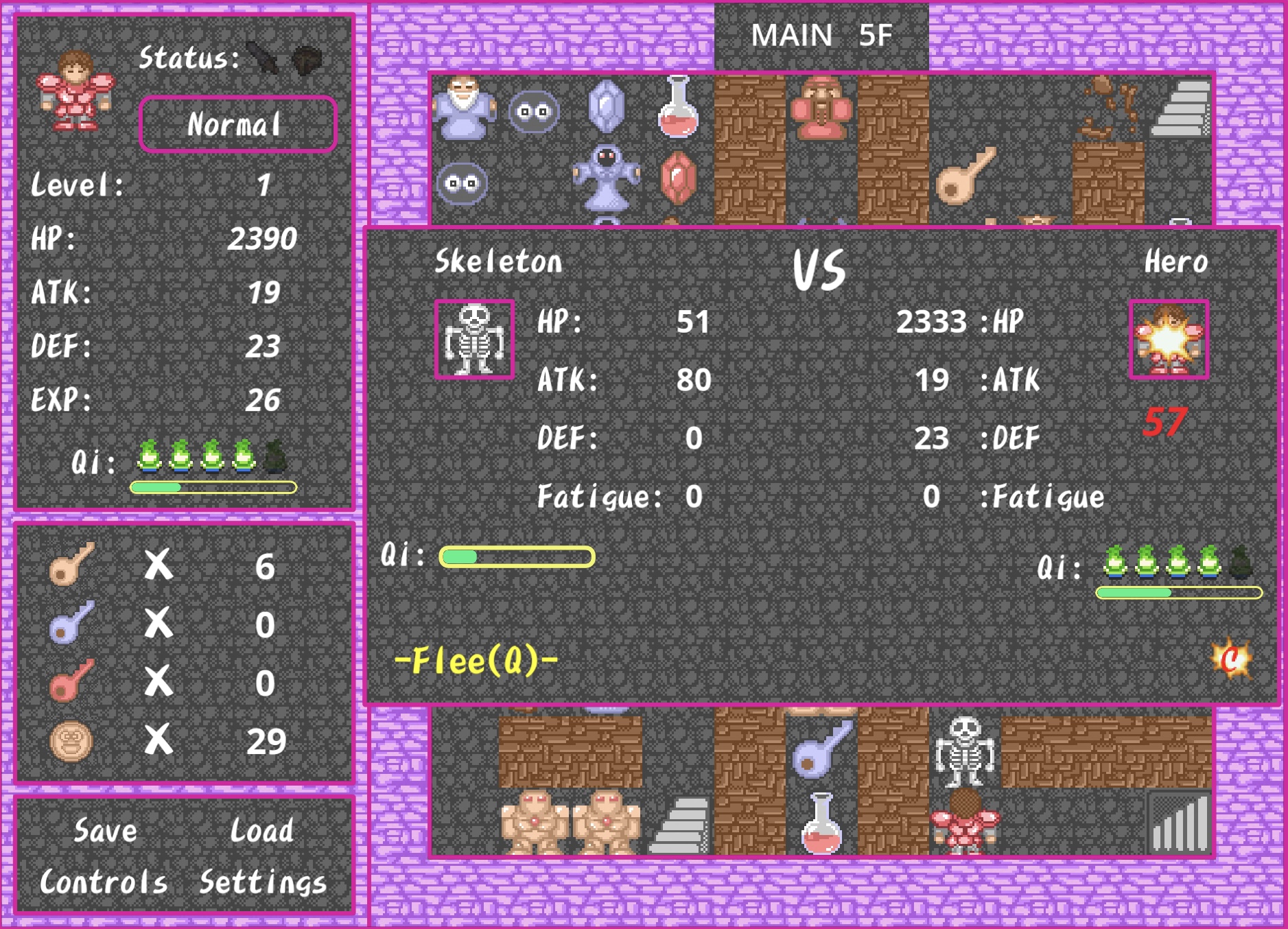
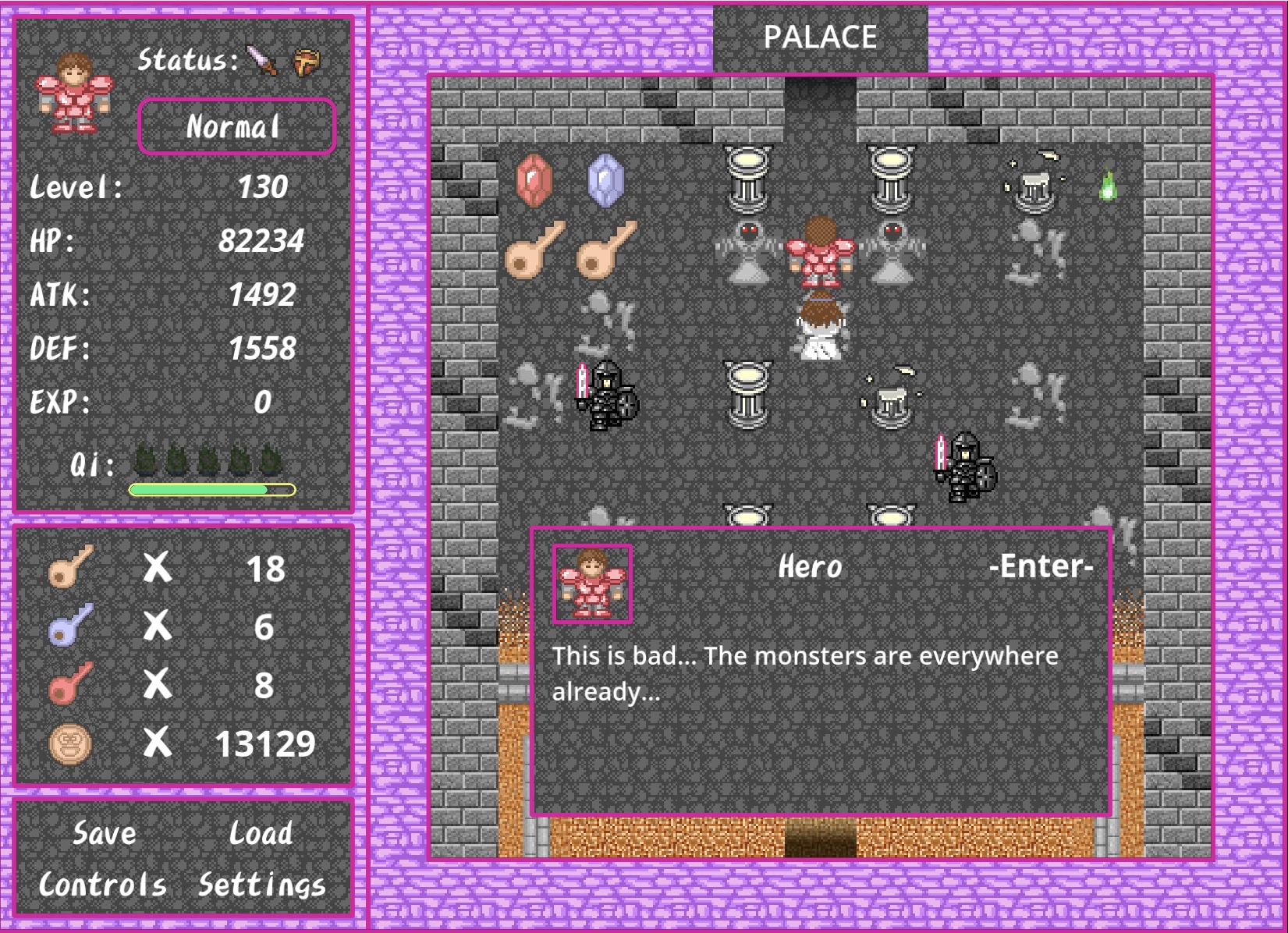
Magic Tower games are retro pixel-art JRPGs, where players navigate a grid-based tower using arrow keys to defeat monsters, collect items, and save the princess. In this sequel, you will also save the kingdom from the Army of the Demon Realm.
Disclaimer: This is a non-commercial fan remake. Art and audio assets are from the original Flash game; copyright belongs to the original author.
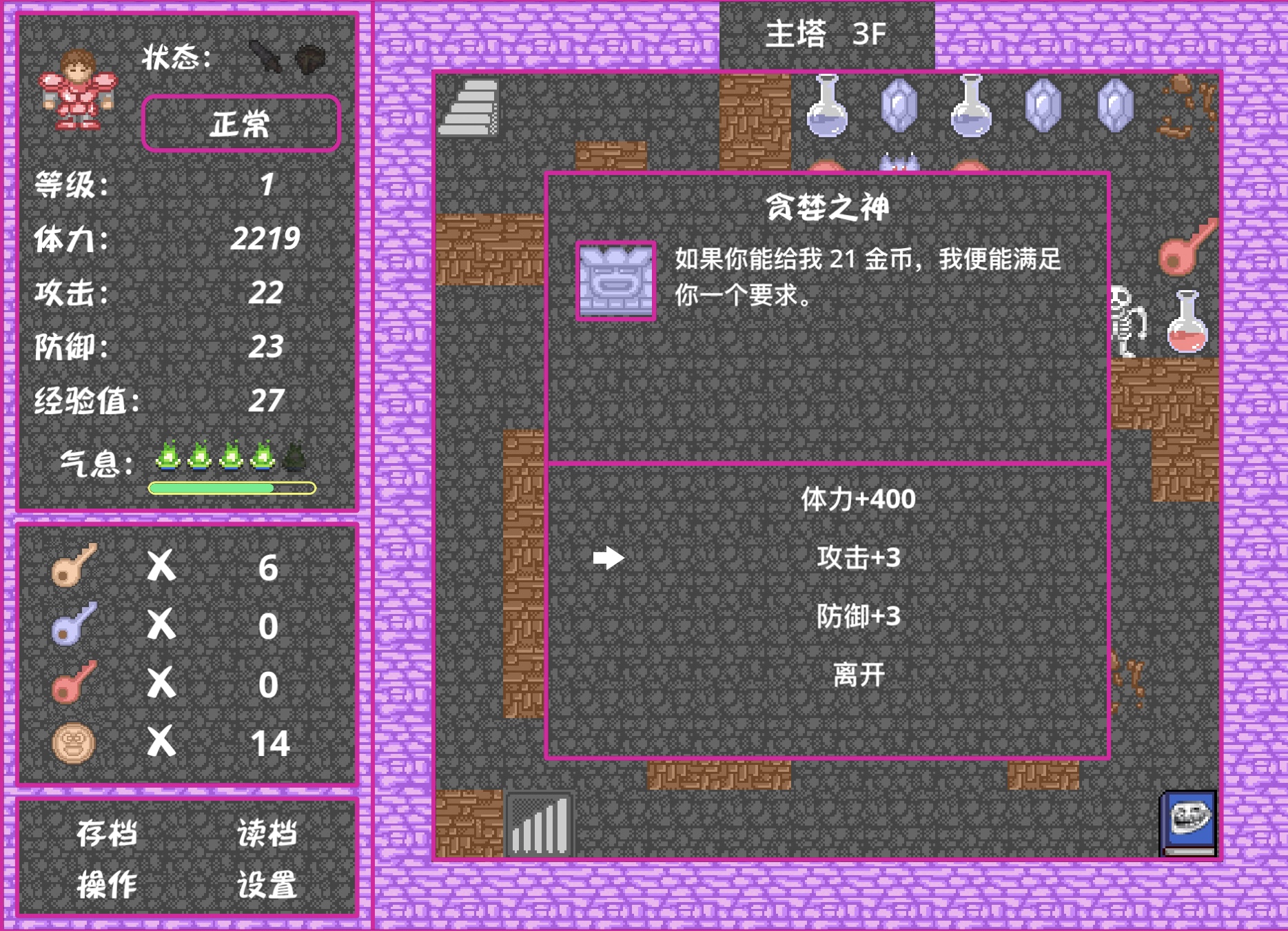
🌐 Supports English and Simplified Chinese. Language can be changed in game.
Features
- Fully animated turn-based combat, with SFX and music
- 100+ floors to explore, with 80+ different enemies
- A complete storyline with plot twists and a large cast of NPCs
If you played the original, the biggest change is that Silver enemies no longer have minigame battles. Otherwise, the remake stays close to the original, with new features like difficulty selection, Quick Shop, offline stats, improved saves, and Simplified Chinese and English support.
Feedback & Bug Reports
If you encounter any bugs or have any suggestions while playing, feel free to leave a comment or contact me via email: ruichen.dev@gmail.com
---
游戏介绍
本作是基于Godot 4开发的《新新魔塔2》重制版。原作由cos105hk作为《新新魔塔》的续集制作并发布。
魔塔是一类复古像素风JRPG。玩家用方向键控制角色在塔里探索,不断战胜怪物、收集道具,最终拯救公主。在本续作中,你还将面对魔界大军的入侵,守护王国。
免责声明:本作品为非商业同人复刻,美术与音效资源均来自原Flash游戏,其版权归原作者及其各自权利人所有。
🌐 支持英文与简体中文。可在游戏内切换语言。
本版特色
- 还原原作UI风格、战斗动画、音效和音乐
- 100多层楼可供探索,80多种怪物
- 还原原作剧情和所有NPC对话
对于魔塔老玩家,复刻版和原作最大区别是移除了白银系怪物的小游戏战斗,其余内容基本忠于原作。新加的内容包括难度选择、快捷商店、离线战绩、存档优化、简中和英语翻译等等。
反馈与问题
如果你在游玩过程中遇到bug或有任何建议,欢迎留言或通过邮件联系我: ruichen.dev@gmail.com
Download
Install instructions
Windows
Download the ZIP and extract it, then run Mota2.exe. When you run for the first time, if you are blocked by SmartScreen, expand "More info", then click "Run anyway".
macOS
Download the ZIP and extract it, drag Mota2.app to Application and open it from there. When you open for the first time, if you are blocked by "unknown developer", go to System Settings -> Privacy & Security, then click "Open Anyway".
---
Windows
下载ZIP文件并解压,然后双击运行Mota2.exe。首次运行时,如果被SmartScreen阻止,请展开“更多信息”,然后点击“仍要运行”。
macOS
下载ZIP文件并解压,把Mota2.app拖到“应用程序”文件夹中,然后从那里打开。首次打开时,如果遇到“未知开发者”的提示被阻止,请前往“系统设置” -> “隐私与安全性”,然后点击“仍要打开”。
Development log
- v1.0.01 day ago
Leave a comment
Log in with itch.io to leave a comment.